Quieting Your Workspace: Practical Acoustics for Home Desk Setups
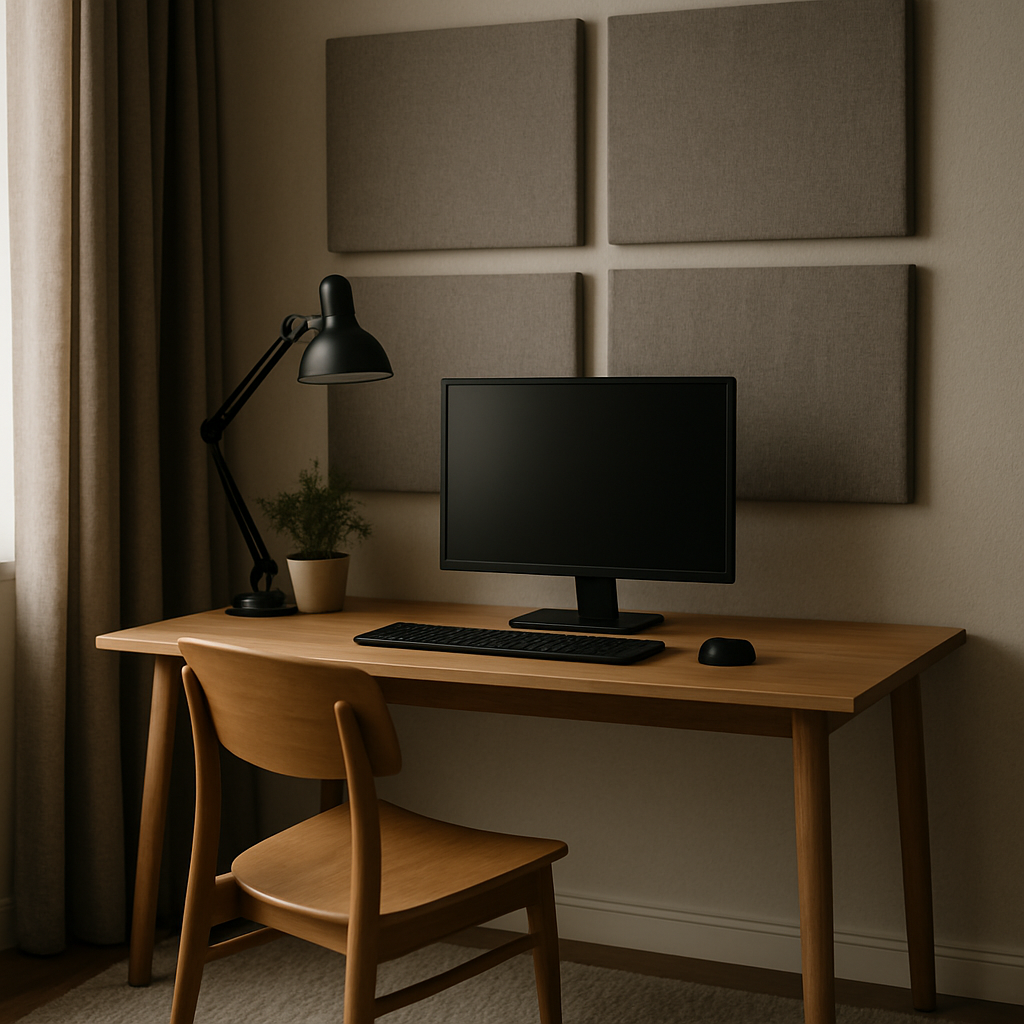
You can spend a fortune on a beautiful desk, a perfect chair and a colour-calibrated monitor, and still find your workspace ruined by something invisible: sound. Echoey video calls, a neighbour's dog, traffic outside, the hum of a PC under load — noise quietly erodes concentration in a way that is easy to underestimate. The good news is that improving the acoustics of a home workspace is cheaper and simpler than most people assume, once you understand what actually works.
Soundproofing vs Sound Treatment: Know the Difference
The biggest misconception in home acoustics is confusing two entirely different goals. Soundproofing stops sound passing through walls, doors and windows. It requires mass and airtight sealing — dense materials, sealed gaps, sometimes construction work. Sound treatment improves how sound behaves inside your room, reducing echo and harshness. It requires soft, absorptive surfaces and is very achievable on a budget.
Those foam panels you see stuck to streamers' walls? They are treatment, not soundproofing. They will make your voice sound better on calls, but they will do almost nothing to stop your flatmate's music coming through the wall. Knowing which problem you actually have saves you from spending money on the wrong solution.
Fixing Echo: The Fastest Win for Video Calls
If your voice sounds hollow and distant on calls, your room has too many hard, parallel surfaces bouncing sound around. A bare desk facing a bare wall in a room with a wooden floor is an echo chamber.
The fix is adding soft, irregular surfaces, and much of it can be done with things that belong in a room anyway. A rug covers the largest reflective surface in the room. Lined curtains absorb far more sound than blinds. A fabric sofa, a full bookshelf with irregularly arranged books, and even large plants all break up reflections.
For targeted improvement, place absorption at the first reflection points — the spots on the walls and ceiling where your voice bounces once before reaching your microphone. A couple of proper acoustic panels (mineral wool or high-density fibreglass, not thin decorative foam) behind and beside your desk make a dramatic difference. Several brands now sell panels that look like framed art or slatted wood feature walls, so treatment no longer has to look like a recording studio.

Dealing with Noise from Outside the Room
Blocking sound coming in is harder, but there are meaningful steps short of renovation. The weakest point in any room is usually the door: an ordinary hollow-core door with a gap underneath lets sound pour through. A door seal kit and a heavy draught excluder cost little and noticeably dull household noise. Windows come next — thick lined curtains help, and secondary glazing film is a renter-friendly option for street noise.
Then there is the pragmatic route: masking rather than blocking. A quiet fan, a white noise machine, or ambient soundscapes played at low volume raise the noise floor so that intermittent sounds — a door slamming, a distant conversation — stand out less. Many people find brown noise, which is deeper than white noise, less fatiguing over a full workday.
And of course, headphones. A good pair of noise-cancelling headphones remains the single most effective purchase for anyone working in a genuinely noisy environment, particularly against constant low-frequency sound like traffic or air conditioning.
Quieting the Noise Your Own Desk Makes
Your setup itself is often a noise source worth addressing. A desktop PC with stock fans can drone at a level you stop consciously noticing but never stop hearing. Larger, slower-spinning case fans, a well-ventilated PC position (not boxed into a cupboard), and a fan curve that only ramps up under real load can take a tower from intrusive to near-silent.
Mechanical keyboards are the other culprit, especially on calls. If colleagues comment on your typing, consider switches designed for quiet operation, a thick desk mat under the board, and foam-dampened cases. Your microphone choice matters too: a dynamic microphone close to your mouth picks up far less room noise and keyboard clatter than a sensitive condenser sitting a metre away.
A Sensible Order of Operations
If you are starting from scratch, tackle acoustics in this order: first the free wins (rug, curtains, bookshelf, door seal), then absorption panels at reflection points if calls still sound roomy, then noise masking or noise-cancelling headphones for sounds you cannot block, and finally quieting your own equipment. Most people find the first two steps get them 80 percent of the way.
A workspace that sounds calm feels calm. It is one of the least visible upgrades you can make to a desk setup — and one of the ones you will appreciate most, every single day, without ever quite noticing why.