Desk Setups for Creative Work: What Designers, Artists and Editors Need That Others Don't
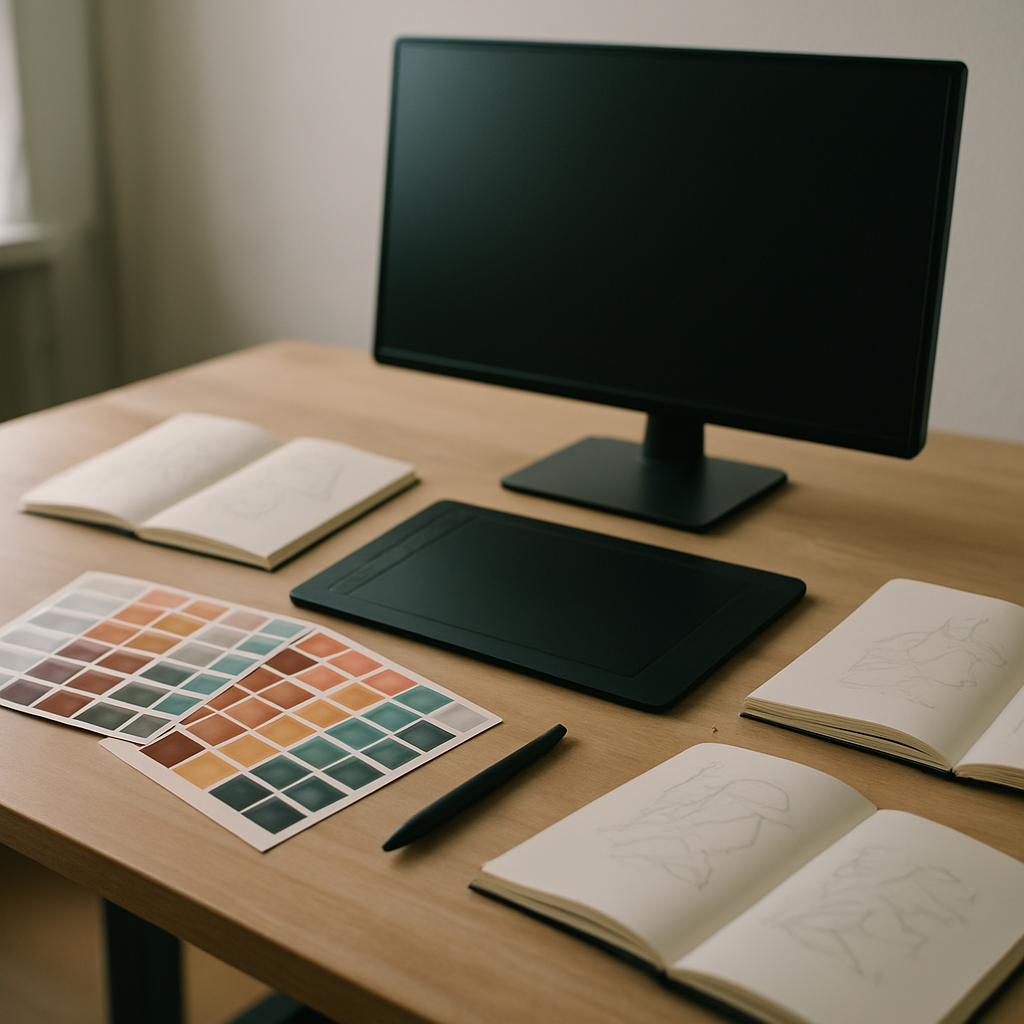
Most desk setup advice is written for the general office worker: a laptop, a monitor, email and documents. Creative professionals live at their desks in a different way. A photo editor's monitor requirements, an illustrator's input devices and a video editor's storage needs shape the workspace around demands that generic guides never mention. If your work involves making things — visual, audio or video — here is what actually changes about building your desk.
Colour-Accurate Displays Come First
For anyone whose work will be seen by others, the monitor is not just a window but a measuring instrument. If your screen shows colours inaccurately, every decision you make is slightly wrong, and you will not find out until a client opens the file on their own display.
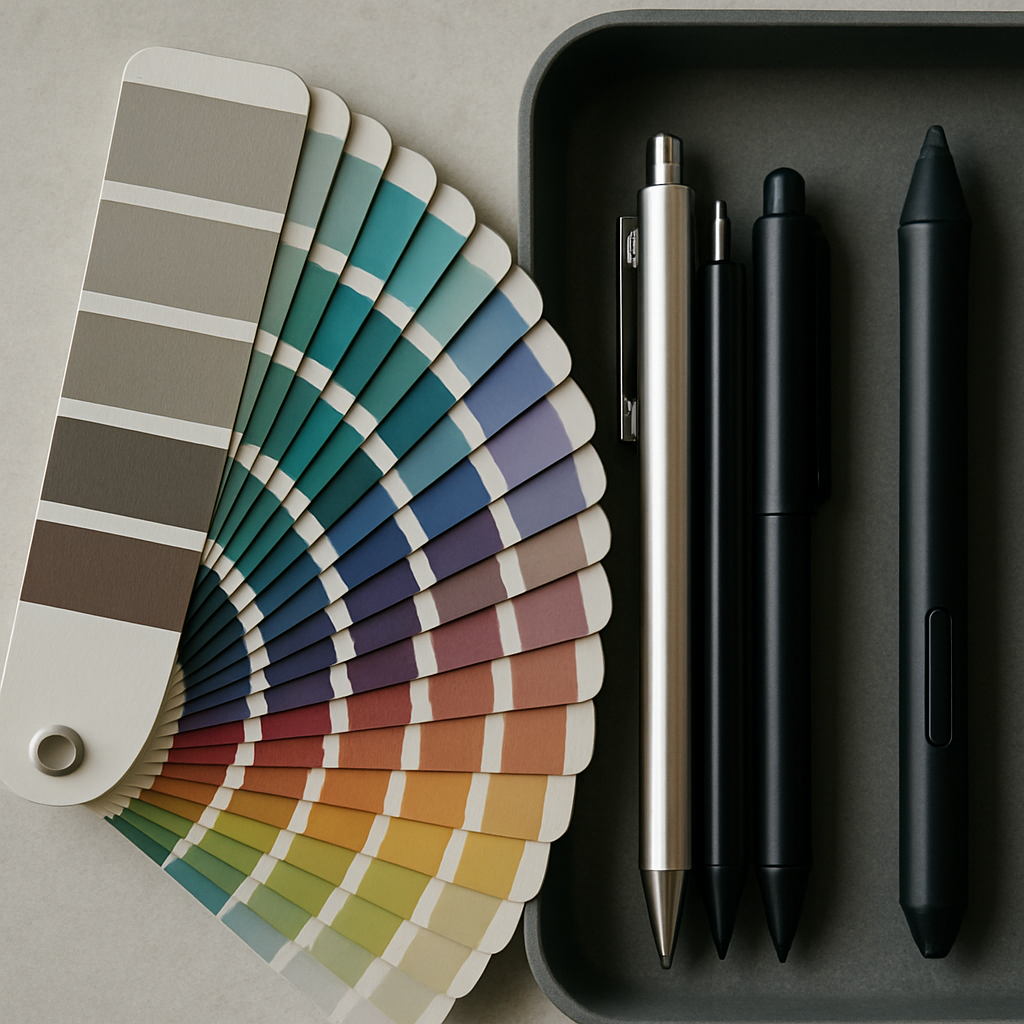
Look beyond resolution to colour credentials: coverage of the sRGB space at minimum, and ideally strong coverage of DCI-P3 or Adobe RGB depending on whether you work for screens or print. Factory calibration reports are a good sign; a hardware calibrator that you run every month or two is better. IPS panels remain the sensible default for their colour consistency at an angle.
One practical note that surprises newcomers: brightness consistency and uniformity matter more day to day than headline specs. A mid-range monitor properly calibrated beats an expensive one used at wildly wrong settings. And control your room lighting — colour judgement collapses when a warm lamp is reflecting off half the screen.
Input Devices Beyond the Mouse
Creative work often demands input the mouse handles poorly. Illustrators and photo retouchers gain enormously from a pen tablet — the pressure sensitivity and natural arm movement make tasks like masking and drawing dramatically faster and kinder to the wrist. Screen tablets, where you draw directly on a display, are wonderful but take real desk space; a medium pen tablet in front of the keyboard suits most desks better.
Editors of all kinds benefit from programmable controllers: consoles with dials and buttons mapped to brush size, timeline scrubbing or colour wheels. Even a simple macro pad that triggers your ten most-used shortcuts reclaims hundreds of small interruptions a week.
Whatever you add, plan the ergonomics deliberately. A tablet plus keyboard plus mouse plus controller can turn a desk into a battlefield. Decide your primary tool, give it the central position, and let secondary devices live on a shelf or side zone until needed.
Storage and Compute: The Invisible Backbone
Photo libraries, video projects and sample collections devour storage at a rate ordinary users never encounter, and the desk setup has to accommodate it gracefully.
Fast external NVMe drives handle active projects; larger, slower drives or a network-attached storage box hold the archive. The desk-design implication is cable and placement planning: drives need fast ports (another argument for a quality dock), and a NAS is best placed away from the desk entirely, since its fans and disk chatter are exactly the background noise a focused workspace does not need.
Backups deserve one honest sentence in every creative setup guide: a project that exists in one place does not really exist. Build the habit and the hardware for at least one automatic backup, ideally with a copy off-site or in the cloud.
Comfort for Long, Deep Sessions
Creative work produces a particular pattern of strain: long, absorbed sessions where you forget your body exists until it aches. The fundamentals — chair at the right height, screen at eye level, feet supported — matter even more here, but a few additions target creative work specifically.
Tablet users should tilt their drawing surface; a simple adjustable stand reduces neck flexion noticeably. Editors making thousands of tiny mouse movements benefit from a larger mousepad and lower pointer sensitivity, which trades small wrist twitches for whole-arm movements. And because absorption is the enemy of movement, some kind of external prompt to stand and stretch — an app, a watch, a rule tied to renders and exports — earns its place.
Lighting deserves a final mention: bias lighting behind the monitor eases eye strain during dark-room colour work, and a dimmable desk lamp lets you sketch on paper without blasting the whole room.
Build Around Your Actual Workflow
The common thread in all of this is specificity. A creative desk setup should be reverse-engineered from the work itself: trace what you do in a normal week, notice where the friction lives — colours that do not match, shortcuts buried in menus, files that take too long to open — and spend your budget there rather than on whatever is trending. A workspace tuned to your craft does not just look the part. It quietly removes the obstacles between you and the work, which is the whole point of a desk in the first place.