Webcam and Streaming Setups for the Work-From-Home Professional
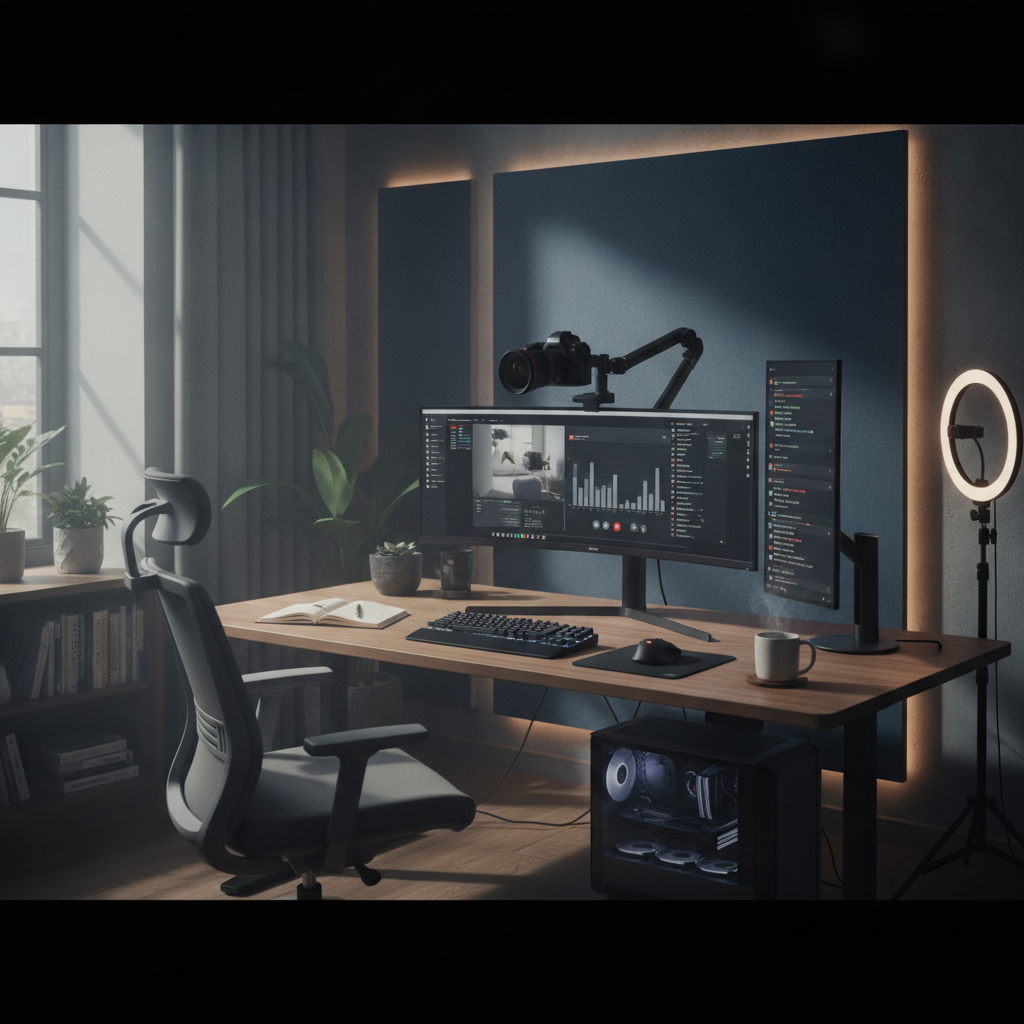
Enhancing Your Virtual Presence
In an era where remote work has become the norm, having a high-quality webcam and streaming setup is essential for professionals looking to maintain a polished and effective virtual presence. Whether you’re attending meetings, collaborating with colleagues, or presenting to clients, the right technology can significantly enhance your communication and engagement.
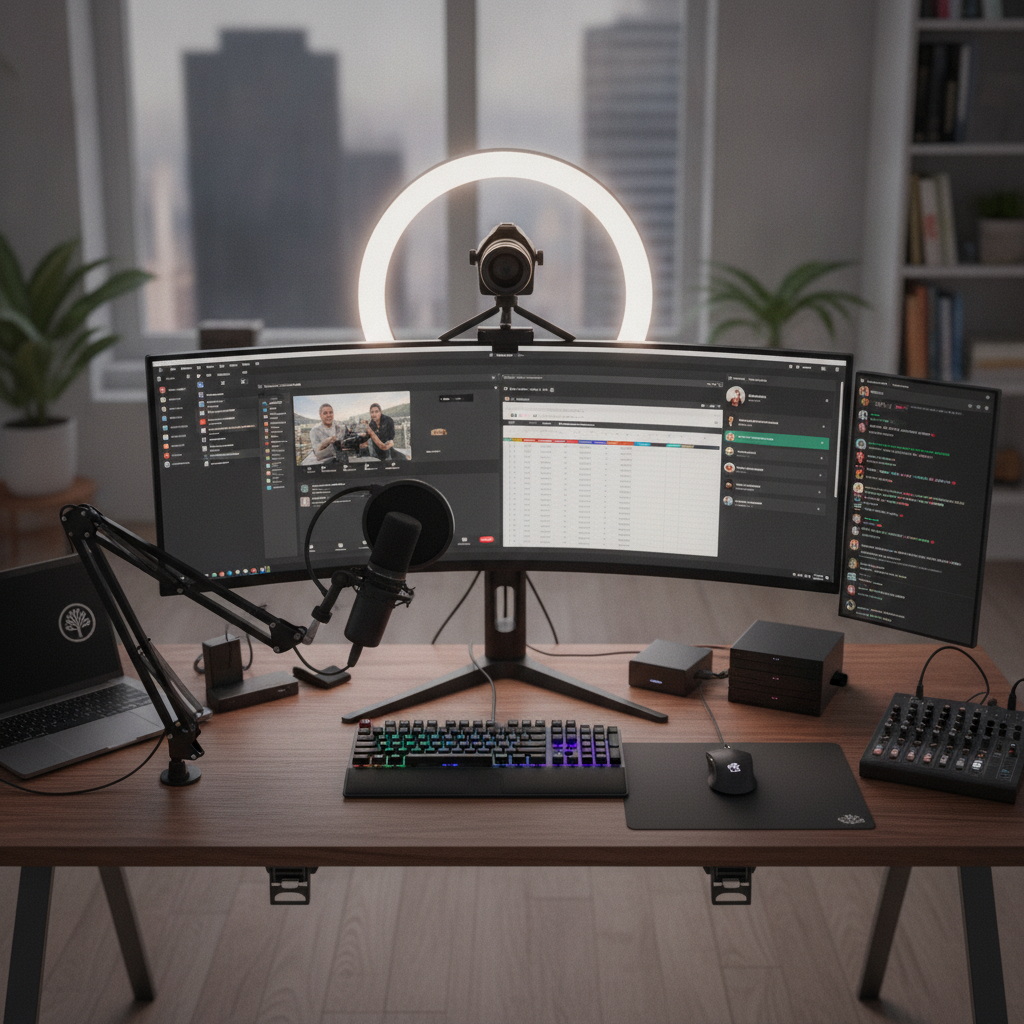
Here are some key components to consider when setting up your webcam and streaming environment:
Choosing the Right Webcam
Quality Matters: Invest in a webcam that offers at least 1080p resolution to ensure clear video. Look for features like autofocus and low-light correction, which can make a noticeable difference in your video quality.
Lighting Your Space
Illuminate Your Face: Good lighting is crucial for video calls. Natural light is ideal, but if that’s not an option, consider using a ring light or softbox to create even, flattering light. Position your light source in front of you, not behind, to avoid shadows.
Microphone Quality
Sound Clarity: Clear audio is just as important as video quality. A dedicated USB microphone or a good quality headset can enhance your audio, making it easier for others to hear you without background noise interference.
Background Setup
Creating a Professional Environment: Your background should be tidy and free of distractions. If your workspace doesn’t lend itself to a professional setup, consider using a virtual background or a green screen to maintain a polished appearance.
Internet Connection
Stable and Fast: A strong internet connection is vital for smooth streaming. Use a wired connection if possible, and ensure that your bandwidth is sufficient to support video calls without lag or interruptions.
Testing and Practice
Rehearsing Your Setup: Before important meetings or presentations, do a test run to check audio and video quality. Familiarize yourself with the software you’ll be using, and make any necessary adjustments to your setup.
“The right technology can transform your virtual communications, making you feel more confident and engaged.”
By paying attention to these key aspects of your webcam and streaming setup, you can significantly enhance your work-from-home experience and ensure that your virtual communication is as effective as possible.