Work by Day, Play by Night: Designing a Desk That Does Both
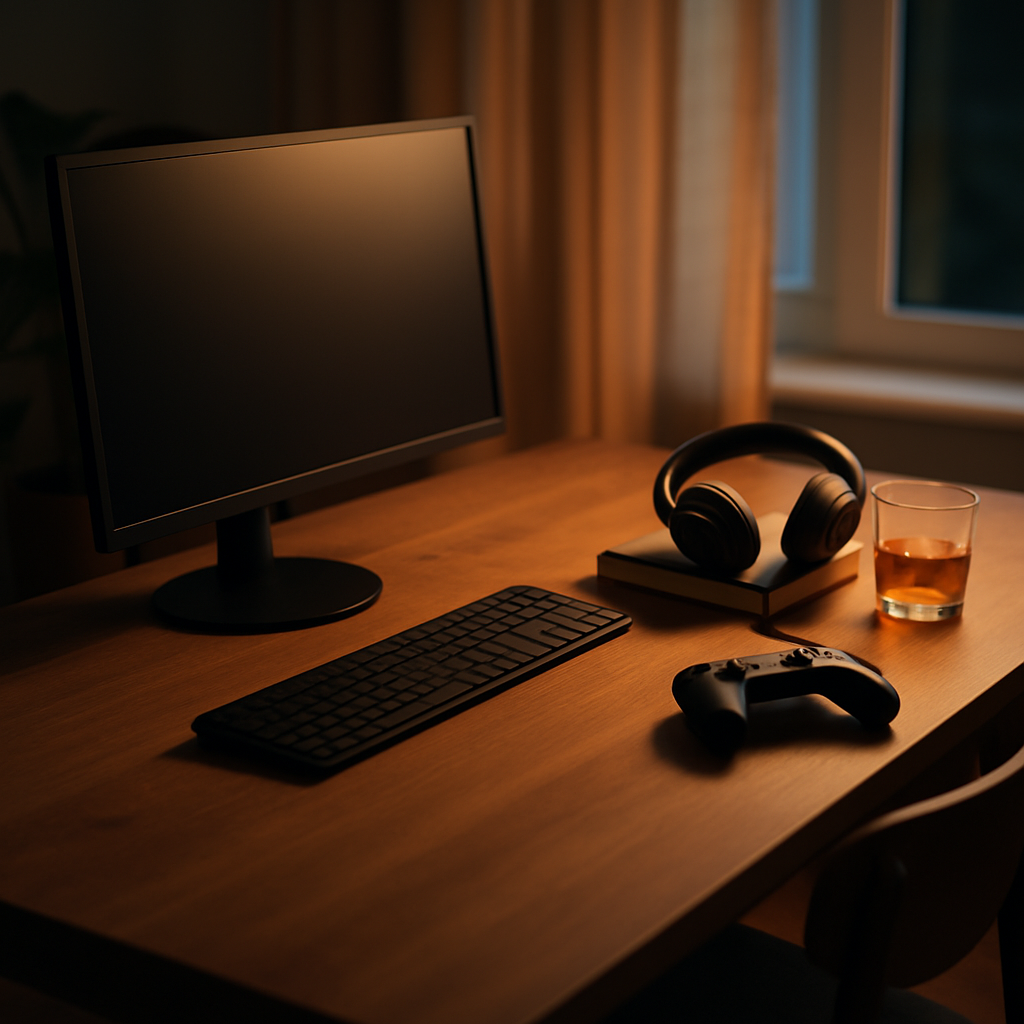
For a growing number of people, one desk has to wear two hats. From nine to five it hosts spreadsheets, video calls and focused work; by evening it becomes a gaming station, a creative corner or a streaming rig. Designing a dual-purpose setup is a genuine challenge — the visual language of a professional workspace and a gaming battlestation could hardly be more different. But with some deliberate choices, one desk can serve both lives without feeling like a compromise in either.
Start with a Neutral Foundation
The trick to a convincing dual-purpose setup is keeping the permanent elements neutral and letting the atmosphere shift through lighting and software rather than hardware.
That means resisting the aggressive gamer aesthetic at the foundation level. Choose a desk, chair and monitor that would look at home in a design studio: a wooden or plain laminate desktop, a chair in muted tones, monitors with slim, understated bezels. Plenty of excellent gaming chairs now come in fabric with restrained colours, and high-refresh-rate monitors no longer require angular red accents. A neutral base looks professional on camera during the day and becomes a blank canvas for ambience at night.
Peripherals follow the same logic. A quality mechanical keyboard and a lightweight mouse serve both work and play — just choose colourways you would not be embarrassed to show a client.
Lighting Is Your Mode Switch
Nothing transforms a room faster than light, which makes lighting the perfect mechanism for switching between modes.
For daytime work, you want bright, neutral-to-cool light: a good desk lamp or monitor light bar providing even task lighting that keeps you alert and looks flattering on webcam. For evenings, the same space shifts to dim, warm, indirect light — LED strips behind the monitor or desk, a lamp in a corner, perhaps subtle bias lighting that reduces eye strain during long sessions.
Smart bulbs and controllable LED strips make this a one-tap transition. Set up two scenes — call them Focus and Play — and the entire character of your workspace changes in seconds. Many people find this doubles as a psychological ritual: switching the lights is the moment work ends, which matters enormously when your office and your leisure space are the same three square metres.
Managing Two Sets of Hardware Gracefully
The practical headache of dual-purpose desks is hardware overlap. Perhaps you have a work laptop and a personal PC, or a console alongside a computer. The solutions are more elegant than they used to be.
A monitor with multiple inputs and a decent on-screen menu is the minimum. Better still is a KVM switch — a small box that lets one keyboard, mouse and monitor set flip between two computers at the press of a button. Several modern docks and monitors now have KVM functionality built in, which keeps the desk clear of extra boxes.
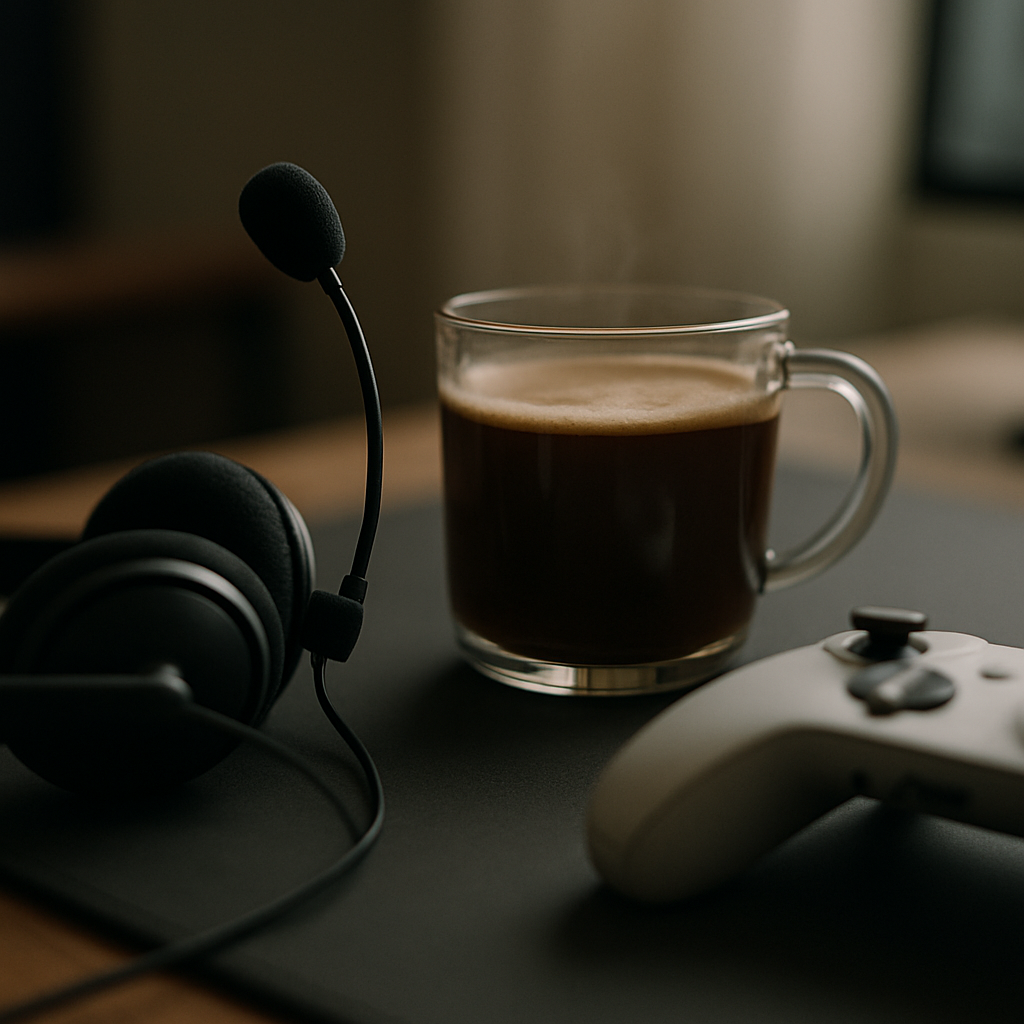
Storage matters too. A drawer or under-desk tray for the controller, headset stand mounted to the desk edge, and a dedicated home for the work laptop when it is off duty all prevent the evening setup from cluttering the daytime one. The goal is that each mode can be summoned quickly and put away completely.
Sound and Video Calls Without Compromise
Audio is where the two lives of your desk can genuinely share equipment. A solid pair of headphones with a detachable microphone handles meetings by day and multiplayer chat by night. If you prefer speakers for music while working, position them so they double as your gaming sound, and keep a headset within reach for calls and late-night sessions.
If you are on camera during work hours, think about what sits behind you. LED strips that look great at night can look odd mid-meeting, so keep them off during the day, and make sure any wall shelves in frame read as tidy and intentional. A neutral background with one or two personal touches works in both contexts.
Keeping the Boundary Between Modes
The subtle risk of a dual-purpose desk is that the two modes bleed into each other — work notifications intruding on evening games, or the temptation of the games library during working hours. Small frictions help: separate user profiles or separate machines, work apps signed out after hours, the console controller stored out of sight during the day.
Some people go further and physically reset the desk at the end of each work day, clearing papers and repositioning the setup for the evening. Two minutes of transition earns you a genuine sense of arrival in your own time.
One Desk, Two Good Lives
A dual-purpose desk done well is not a compromise but a multiplier — a single well-chosen set of equipment serving twice the hours. Keep the foundation neutral, let lighting do the mood work, invest in clean switching between machines, and protect the boundary between the two modes. Your desk can be the most professional and the most fun corner of your home. It just should not be both at the same moment.